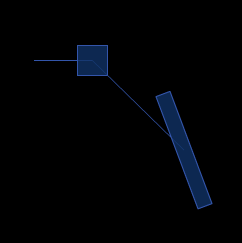
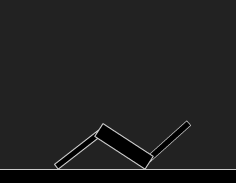
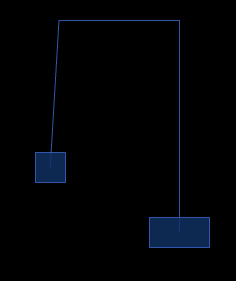
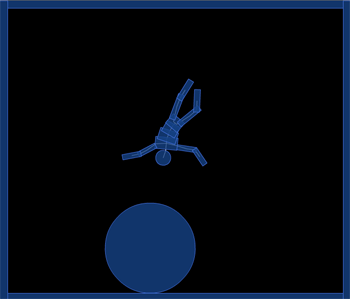
QuickBox2D pulley joint demo. This post is really meant to serve as part of the docs so it may seem a bit boring in its simplicity…
Have a look at the swf…
import com.actionsnippet.qbox.*;
import Box2D.Common.Math.*;

[SWF (backgroundColor=0x000000, width=700, height=600, frameRate=60)]

var sim:QuickBox2D = new QuickBox2D(this,{debug:false, frim:true, gravityY:1});

sim.setDefault({fillColor:0x113366, fillAlpha:0.8, lineColor:0x3355AA});

sim.createStageWalls();

var circle:QuickObject = sim.addCircle({x:10, y:10, radius:3});
var head:QuickObject = sim.addCircle({x:5, y:5, radius:0.5});
var torsoA:QuickObject = sim.addBox({x:5, y:6, width:1.5, height:0.8})
var torsoB:QuickObject = sim.addBox({x:5, y:6.5, width:1.25, height:0.8})
var torsoC:QuickObject = sim.addBox({x:5, y:7, width:1.0, height:0.8})
var pelvis:QuickObject = sim.addBox({x:5, y:7.5, width:1.0, height:0.8})
var leftLegA:QuickObject = sim.addBox({x:4.75, y:8.5, width:0.4, height:1.75});
var leftLegB:QuickObject = sim.addBox({x:4.75, y:9.75, width:0.4, height:1.5});
var rightLegA:QuickObject = sim.addBox({x:5.29, y:8.5, width:0.4, height:1.75});
var rightLegB:QuickObject = sim.addBox({x:5.29, y:9.75, width:0.4, height:1.5});
var leftArmA:QuickObject = sim.addBox({x:3.6, y:5.8, width:1.3, height:0.35});
var leftArmB:QuickObject = sim.addBox({x:2.5, y:5.8, width:1.25, height:0.35});
var rightArmA:QuickObject = sim.addBox({x:6.4, y:5.8, width:1.3, height:0.35});
var rightArmB:QuickObject = sim.addBox({x:7.5, y:5.8, width:1.25, height:0.35});

torsoA.body.SetLinearVelocity(new b2Vec2(0, 50));

var anchor:b2Vec2 = new b2Vec2();
function connect(a:QuickObject, b:QuickObject, lower:Number, upper:Number, offX:Number=0, offY:Number = 0):QuickObject{
	 var min:Number = Math.min(a.y, b.y);
     var max:Number = Math.max(a.y, b.y);
     anchor.y = min + (max - min) * 0.5 + offY;
     min = Math.min(a.x, b.x);
     max = Math.max(a.x, b.x);
     anchor.x = min + (max - min) * 0.5 + offX;
	return sim.addJoint({a:a.body, b:b.body, x1:anchor.x, y1:anchor.y, lowerAngle:lower, upperAngle:upper});
}

sim.setDefault({type:"revolute", collideConnected:false, enableLimit:true, lineColor:0xFFFFFF});

connect(head, torsoA, -.2, .2);
connect(torsoA, torsoB,-.2, .2);
connect(torsoC, torsoB,-.2, .2);
connect(torsoC, pelvis,-.2, .2);

connect(pelvis, leftLegA, -1, 1, 0, -0.5);
connect(leftLegA, leftLegB, -1, 1);

connect(pelvis, rightLegA, -1, 1, 0, -0.5);
connect(rightLegA, rightLegB, -1, 1);

connect(torsoA, leftArmA, -2, 1);
connect(leftArmA, leftArmB, -2, 1);

connect(torsoA, rightArmA, -1, 2)
connect(rightArmA, rightArmB, -1, 2)

sim.start();
sim.mouseDrag();
QuickBox2D alpha 108 is finally finished and different types of joints are now possible. I’ll be auto-posting joint demos over the next few days for each type of Box2D joint. Box2D joints are pretty confusing, I struggled a bit to decide on a good way to handle them in QuickBox2D, any suggestions are welcome.
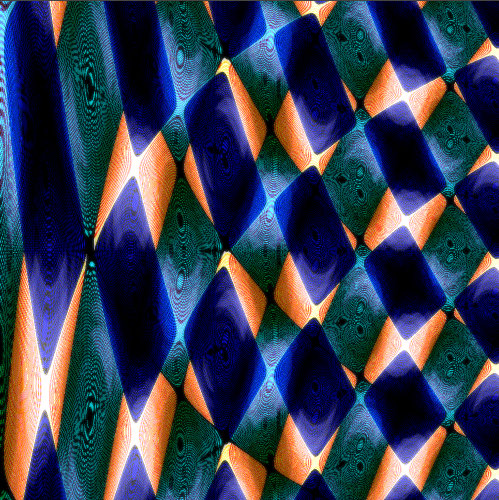
var canvas:BitmapData = new BitmapData(1000,1000,false, 0x000000);
addChild(new Bitmap(canvas));
scaleX = scaleY = .5;

var w:int = canvas.width;
var w10:int = w * 40;
var size:int = canvas.width * canvas.height;
for (var i:int = 0; i<size; i++){
	var xp:int = i % w;

	var yp:int = int(i / w);
	var c1:int = (255/8) * (Math.cos(xp* Math.PI/180 * 2) + Math.sin(yp*(xp + 200)/w10));
	if (c1 < 0) c1 = 256 - c1;
	c1 = (c1 << 1 | c1) ;
	canvas.setPixel(xp, yp, c1 <<15 | c1 <<7 | c1 );
}
var m:Matrix = new Matrix();
m.scale(1,-1);
m.translate(0,canvas.height);
var clone:BitmapData = canvas.clone();
canvas.draw(clone, m, null, BlendMode.SUBTRACT);
clone.draw(canvas);
clone.applyFilter(clone, clone.rect, new Point(0,0), new BlurFilter(10,10,1));
canvas.draw(clone, null, null, BlendMode.ADD);
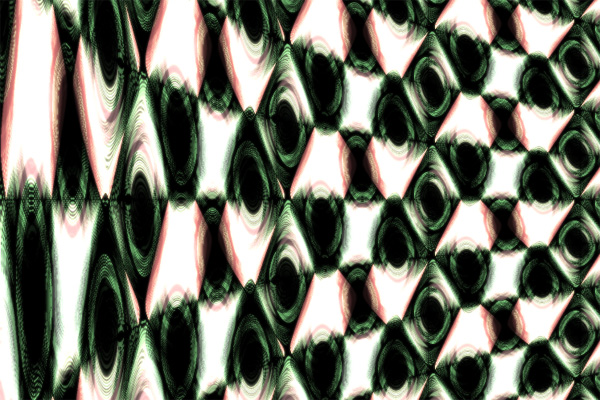
Randomly bit shifting on this one is actually getting a good deal of millage.. I know I can easily optimize so that it works in realtime – could even be done in pixelbender… but going to play a bit more first before I optimize….
var canvas:BitmapData = new BitmapData(1000,1000,false, 0x000000);
addChild(new Bitmap(canvas));
scaleX = scaleY = .5;

var w:int = canvas.width;
var w10:int = w * 60;
var size:int = canvas.width * canvas.height;
for (var i:int = 0; i<size; i++){
	var xp:int = i % w;

	var yp:int = int(i / w);
	var c1:int = (255/8) * (Math.cos(xp* Math.PI/180 * 2) + Math.sin(yp*yp/w10));
	if (c1 < 0) c1 = 256 - c1;
	c1 = (c1 << 1 | c1) ;
	canvas.setPixel(xp, yp, c1 <<16 | c1 <<8 | c1 );
}
var m:Matrix = new Matrix();
m.scale(1,-1);
m.translate(0,canvas.height);
var clone:BitmapData = canvas.clone();
canvas.draw(clone, m, null, BlendMode.SUBTRACT);
clone.draw(canvas);
clone.applyFilter(clone, clone.rect, new Point(0,0), new BlurFilter(10,10,1));
canvas.draw(clone, null, null, BlendMode.ADD);
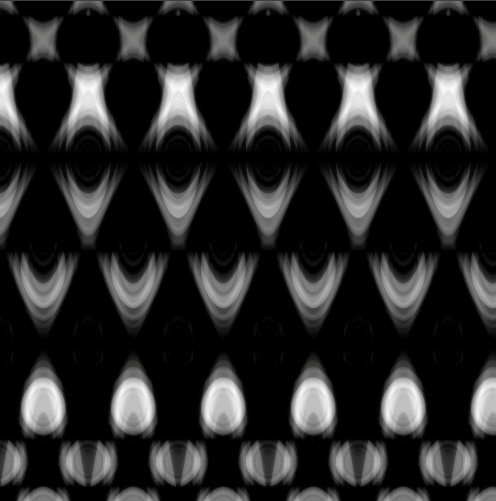
Having one of those days where everything I code doesn’t look right to me… took a little break from other work and created this very unoptimized abstract texture… no animation so here is a bitmap:
For a few different reasons I decided to write some php code to convert timeline code to a document class. The script is done and it seems to work pretty nicely. I’m sure there are a few bugs, but I’ve tested around 30 snippets from this site and they all worked.
To test it out:
1) just take the below code (or any other timeline code), copy it to your clipboard (The code doesn’t have to be small, I did a test with 300 lines of timeline code and it worked just fine)
x = stage.stageWidth / 2;
y = stage.stageHeight / 2;
var xp:Number = 0, yp:Number = 0;
var r:Number = 0, t:Number = 0;
var speed:Number = .07;
var scale:Number = 20;
var plot0:Shape = Shape(addChild(new Shape()));
var plot1:Shape = Shape(addChild(new Shape()));
plot0.graphics.lineStyle(0,0x000000);
plot1.graphics.lineStyle(0,0x000000);
addEventListener(Event.ENTER_FRAME, onLoop);
function onLoop(evt:Event):void {
	 r =  scale * Math.sqrt(t);
	 xp =  r * Math.cos(t);
	 yp =  r * Math.sin(t);
	 t += speed;
	plot0.graphics.lineTo(xp, yp);
	plot1.graphics.lineTo(-xp, -yp);
}
In the next few days I may add a button to all code snippets that allows you to convert the code to a doc class…
The script adds import statements automatically, I may however have missed a few packages, so if the generated code is missing an import statement, let me know and I’ll fix it…