So I have a QuickBox2D editor that I’ve had since the earliest version of QuickBox2D. It is really pretty buggy and imperfect. I’m wondering if I should release it even though it’s really buggy… my main issue is I won’t be able to guarantee that it is a safe editor to use for real projects.
var offX:Number = 100;
var offY:Number = 300;
var scalarX:Number = 6;
var scalarY:Number = 200;
addEventListener(Event.ENTER_FRAME, onLoop);
function onLoop(evt:Event):void{
	var r:Number = mouseY / 100;
	var xn:Number = (mouseX - 100) / 650;
	var xn1:Number = 0;
	graphics.clear();
	graphics.lineStyle(0,0);
	for (var i:int = 0; i<100; i++){
	  xn1 = r * xn * (1 - xn);
	  xn = xn1;
	  if (i == 0){
		graphics.moveTo(offX+i*scalarX,offY+xn1*scalarY);
	  }else{
		graphics.lineTo(offX+i*scalarX, offY+xn1*scalarY);
	  }
	}
}
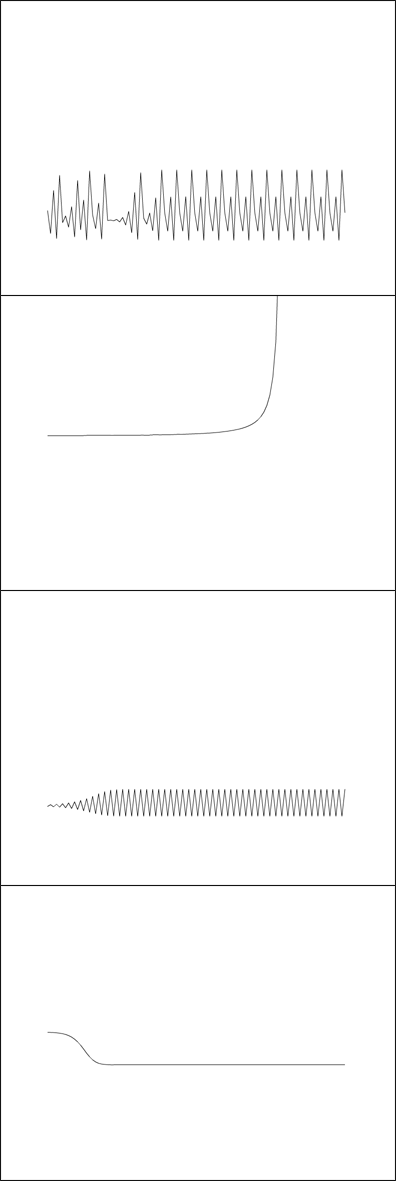
Whenever I can’t decide what kind of snippet to make, I simply go to wikipedia or mathworld for a bit and I always end up with something. I’ve messed with Logistic Maps before (when learning about strange attractors). This is a simple rendering where the x and y axis change the biotic potential (r) and the starting value for x.
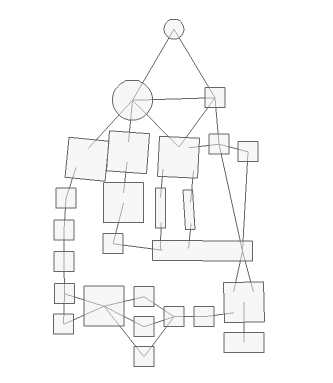
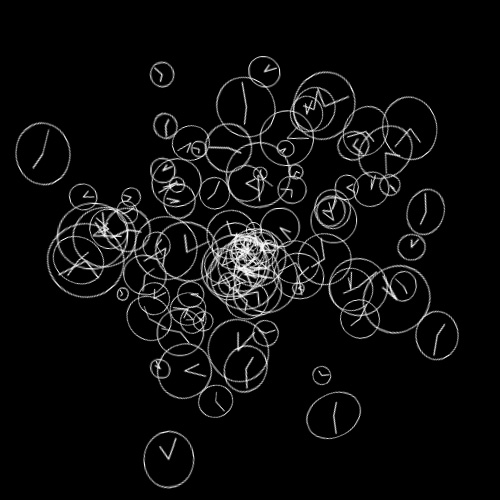
Been thinking about nonsense nodes recently so I created this with my QuickBox2D editor. I have yet to release the editor because its buggy, but it does work nicely for some things:
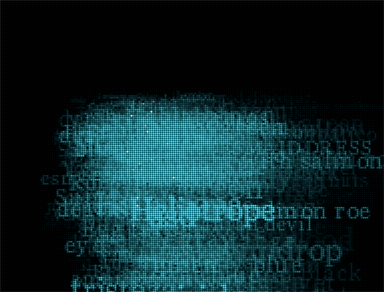
We’re still working on this long term project for medialab prado in madrid. Here is a camera test from today. It uses frame differencing and places names of colors on the areas of motion.
[SWF(width = 500, height = 500)]
const TWO_PI:Number = Math.PI * 2;
var centerX:Number = stage.stageWidth / 2;
var centerY:Number = stage.stageHeight / 2;
addEventListener(Event.ENTER_FRAME, onLoop);
function onLoop(evt:Event):void{
	// data
	var points:Array = [];
	var i:int = 0;
	var pointNum : int = Math.max(2,int(mouseX / 12))

	var radius:Number = 200;
	var step:Number = TWO_PI / pointNum;
	var theta:Number = step / 2;
	for (i = 0; i<pointNum; i++){
		var xp:Number = centerX + radius * Math.cos(theta);
		var yp:Number = centerY + radius * Math.sin(theta);
		points[i] = new Point(xp, yp);
		theta += step;
	}
	// render
	graphics.clear();
	graphics.lineStyle(0,0);
	for ( i = 0; i<pointNum; i++){
     var a:Point = points[i];
     for (var j:int = 0; j<pointNum; j++){
        var b:Point = points[j];
        if (a != b){
		   graphics.drawCircle(a.x, a.y, 10);
		   graphics.moveTo(a.x, a.y);
	       graphics.lineTo(b.x, b.y);
        }
     }
   }
}
I’ve been using this geometric shape for lots of different things recently. Including during consulting gigs as a helpful visualization. Just move your mouse left and right… I particularly like the simpler forms you get by moving your mouse to the left (triangles squares and simple polygons):