Still speed-coding shorts for youtube these last few months… – move your mouse over the codepen below – click and hold to zoom out 😀
Blobby WebGL
Read snippet: Blobby WebGL
Browse the notebook
Still speed-coding shorts for youtube these last few months… – move your mouse over the codepen below – click and hold to zoom out 😀
Been speed coding some new stuff and showcasing some old stuff as shorts on youtube – here is a recent one:
Check out the rest here: https://www.youtube.com/@shapevent/shorts
I started making youtube shorts using a monaco-powered micro-editor I created called https://zapp.codes. Check them out here: https://www.youtube.com/@shapevent/shorts
I don’t think I ever mentioned https://snippet.zone here. It’s just another actionsnippet-like site I created a few years ago… I don’t update it all that frequently but it has many snippets mostly written in js.
recent fork of a snippet.zone that I used in a short…
Here’s a short showing something I did for genuary 2022…
I spent awhile a few months ago learning about Pathtracers… After I good deal of research I ended up forking Evan Wallace’s Path Tracer and added a few new features and shapes – some of which I learned from Erich Loftis’s Three.js PathTracing Renderer.
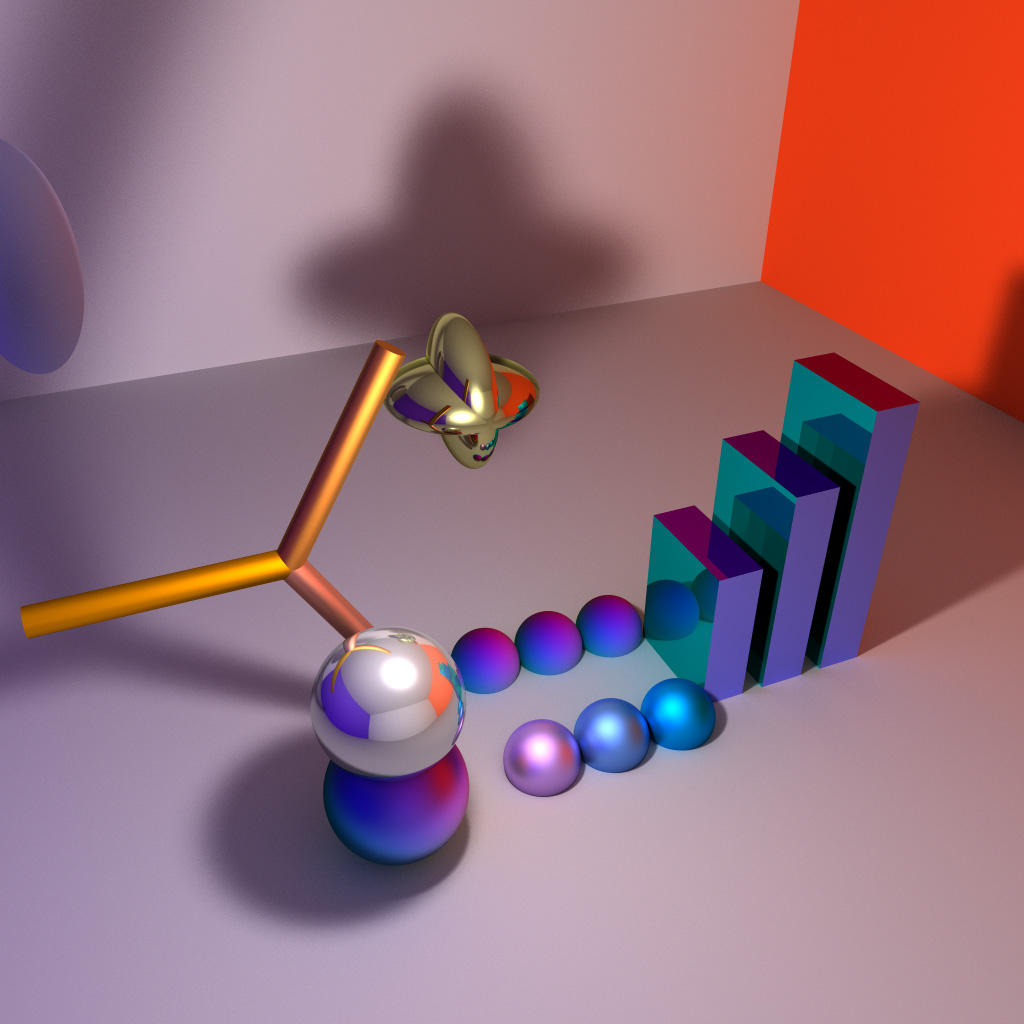
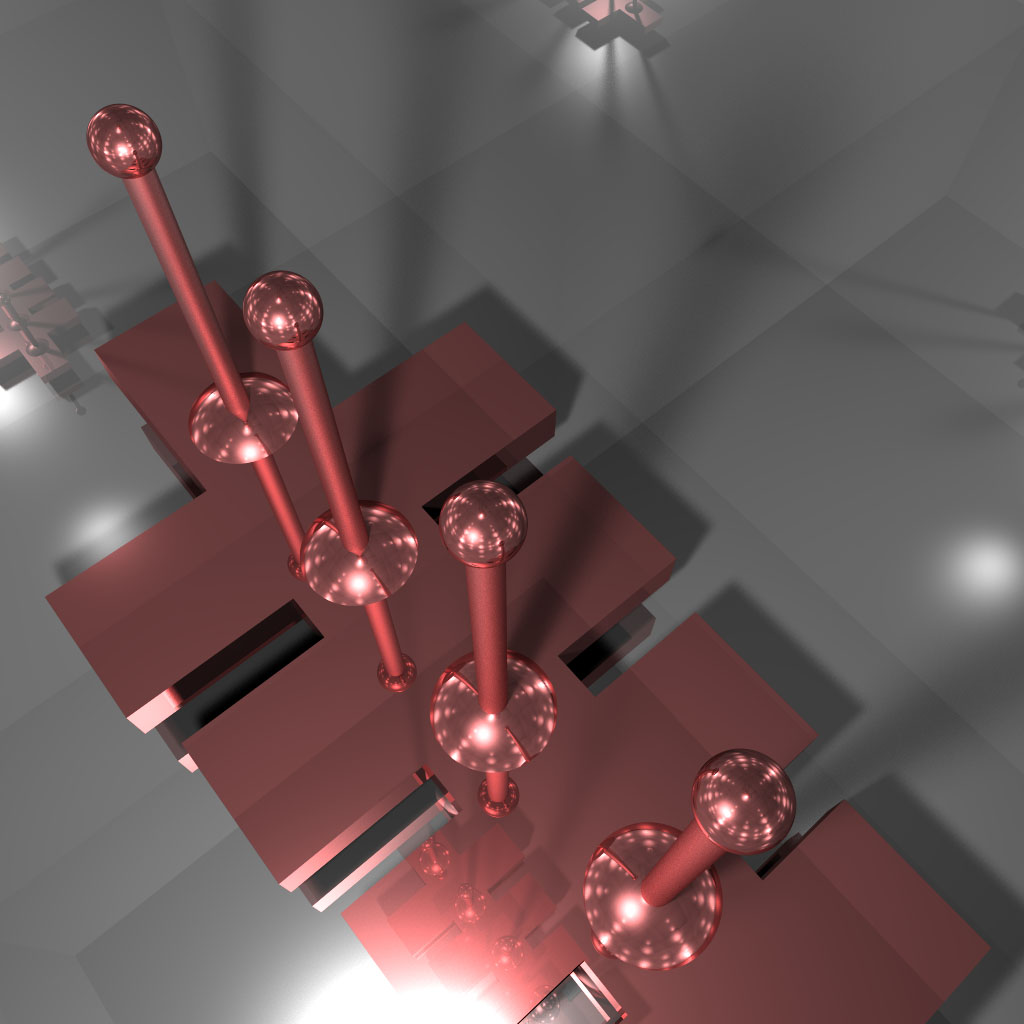
Been wanting to get back to this and do optimizations and boolean shapes – but so far I haven’t gotten around to it.
I have a set of ~100 pictograms that I use for personal notation. When I was actively working on Zeta. I created a few of these with equations:
You can read more about Zeta in this post.
I spam my facebook with images from my sketchbooks if you’re at all interested in seeing more pictograms:

In 2015 I created QuickShader… which just takes the boilerplate out of showing a shader in the browser. Here are a few examples:
Being able to draw smooth lines that connect arbitrary points is something that I find myself needing very frequently. This is a port of an old snippet that does just that. By averaging control points of a quadratic bezier curve we ensure that our resulting Bezier curves are always smooth.
The key can be seen here with the `bezierSkin` function. It draws either a closed or open curve.
// array of xy coords, closed boolean
function bezierSkin(bez, closed = true) {
  var avg = calcAvgs(bez),
      leng = bez.length,
      i, n;

  if (closed) {
    c.moveTo(avg[0], avg[1]);
    for (i = 2; i < leng; i += 2) {
      n = i + 1;
      c.quadraticCurveTo(bez[i], bez[n], avg[i], avg[n]);
    }
    c.quadraticCurveTo(bez[0], bez[1], avg[0], avg[1]);
  } else {
    c.moveTo(bez[0], bez[1]);
    c.lineTo(avg[0], avg[1]);
    for (i = 2; i < leng - 2; i += 2) {
      n = i + 1;
      c.quadraticCurveTo(bez[i], bez[n], avg[i], avg[n]);
    }
    c.lineTo(bez[leng - 2], bez[leng - 1]);
  }
}


// create anchor points by averaging the control points
function calcAvgs(p) {
  var avg = [],
      leng = p.length, prev;
  for (var i = 2; i < leng; i++) {
    prev = i - 2;
    avg.push((p[prev] + p[i]) / 2);
  }
  // close
  avg.push((p[0] + p[leng - 2]) / 2);
  avg.push((p[1] + p[leng - 1]) / 2);
  return avg;
}
The control points are then averaged to ensure that the curve contains no sharp angles.
Awhile back I thought it would be interesting to add some quick fake lighting to a personal project of mine – that for lack of a better description is a windows management system.
Here is a screenshot of the windows management system with lighting turned on:
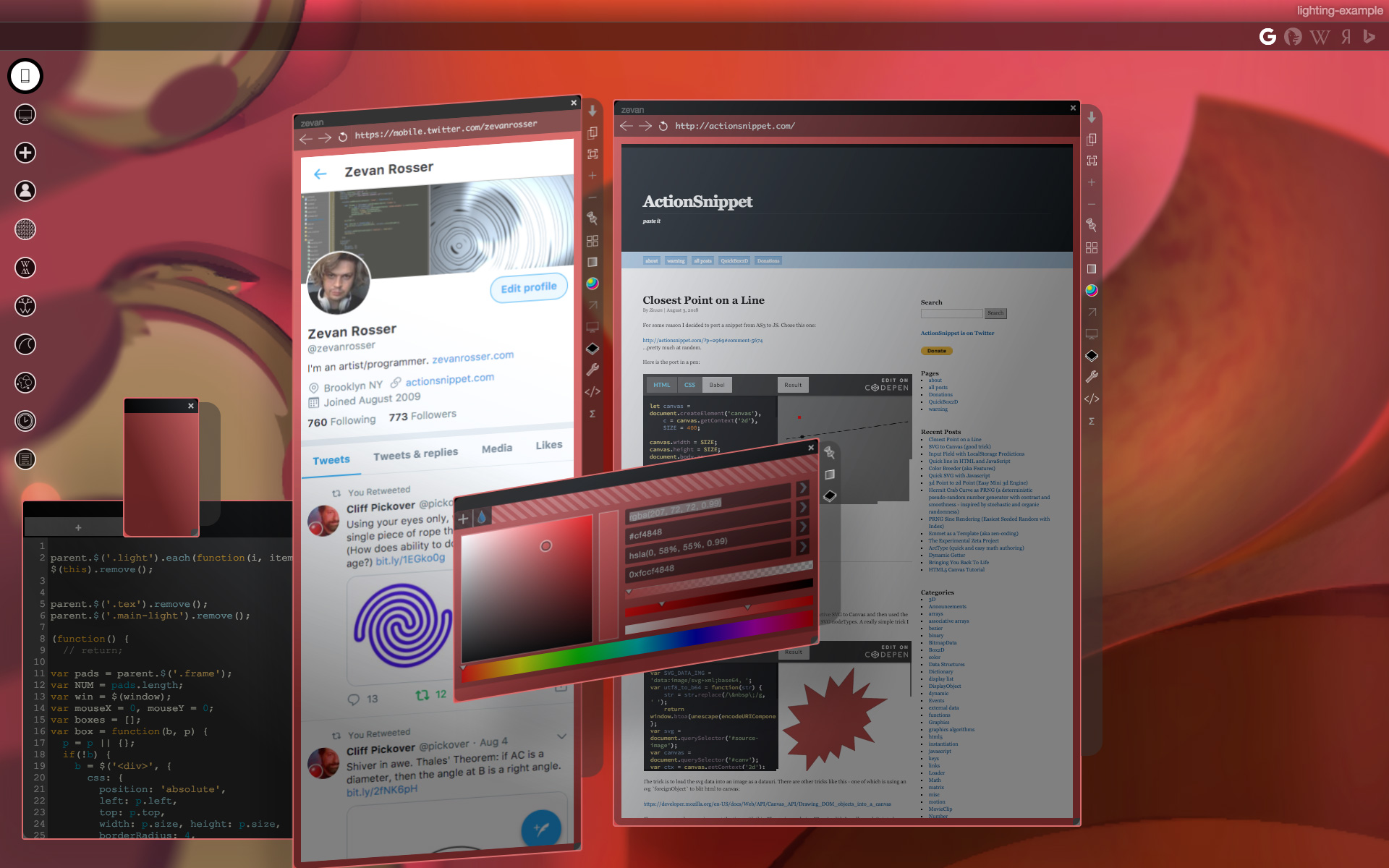
Here is a video of me using the system:
I whipped up this prototype (don’t mind the jQuery)
There are really two keys that make this work. Getting the shadow in place and adjusting the gradient. All we really need is the angle and distance from a given `div` in relation to the “light”:
let calcAng = function(x, y) {
  let lightPos = light.position()
  let dx = lightPos.left - x;
  let dy = lightPos.top - y;
  return -Math.atan2(dy, dx) / Math.PI  * 180;
};

let calcDist = function(x, y) {
  let lightPos = light.position()
  let dx = lightPos.left - x;
  let dy = lightPos.top - y;
  return Math.sqrt(dx * dx,  dy * dy);
};
Standard `atan2` and the pythagorean theorem get us this. Once we have those – we can use them to set our gradient and shadow values:
// warning (apparently this function is slightly speed coded)
let calcShade = function(x, y) {
  let angle = calcAng(x, y);
  let dist =  calcDist(x, y);
  let sx = dist * Math.cos(-angle * Math.PI / 180) * -1;
  let sy = dist * Math.sin(-angle * Math.PI / 180) * -1;

  sx = Math.min(20, Math.max(sx, -20));
  sy = Math.min(20, Math.max(sy, -20));
  let blur = Math.min(100, dist);
  let hBlur = Math.min(50, blur) * 0.5;
  // consider distance in the eq?
  return {
    bg: `-webkit-linear-gradient(${angle}deg, rgba(0, 0, 0, 0.2), rgba(255, 255, 255, 0.4) ${blur}%)`,
    shadow: `${sx}px ${sy}px ${hBlur}px rgba(0, 0, 0, 0.15)`
  };
};
There are more videos of the windows management system on my youtube channel. Here’s another from a much earlier version of the system.
Maybe I’ll post more about that in the future…
Awhile back, I wrote some collision detection code that blitted existing interactive SVG to Canvas and then used the pixel data to figure out various aspects of the relationships between arbitrary SVG nodeTypes. A really simple trick I used can be seen in this pen:
The trick is to load the svg data into an image as a datauri. There are other tricks like this – one of which is using an svg `foreignObject` to blit html to canvas:
https://developer.mozilla.org/en-US/docs/Web/API/Canvas_API/Drawing_DOM_objects_into_a_canvas
There were some browser issues at the time with this. The main one being IE 10/11 didn’t really work (tainted canvas if I recall correctly). The `foreignObject` trick didn’t work with image xlink:hrefs in safari at the time… (weirdly if you opened the dev tools it would start to work) anyway…
I ended up forking canvg for various cases. canvg is really cool… just a note, a coworker of mine went in at some point and optimized it like crazy and improved the perf a good deal by “drying things up”. Maybe I’ll suggest that he submit his optimizations at some point.
Usually if you want to draw lines in HTML you use canvas or SVG. Awhile back I wondered how I might do it without those. This is really just a proof of concept speed coded answer to that question:
This works by using a div with a border, rotating it and scaling it as needed so it fits between two arbitrary points.
This could be abstracted a bit more, but it works pretty well. I usually choose `setInterval` over `requestAnimationFrame` when prototyping – because I like to easily be able to change the speed of
framebased things like this. If I were to try and make this code more dynamic, I would probably switch out to `requestAnimationFrame`.
If you try and connect two lines together – you’ll notice some inaccuracy – a good argument for using SVG or canvas over something like this. That said, if you are connecting two elements using a single line, this inaccuracy would become irrelevant.