[SWF(width=600, height=600, frameRate=30)]
var sw:Number = stage.stageWidth;
var sh:Number = stage.stageHeight;

var s:Shape = Shape(addChild(new Shape()));

var scale:Number = 1;
var scaleDest:Number = 1;
var down:Boolean = false;
var dx:Number = 0, dy:Number = 0, time:Number = 0;

buttonMode = true;

addInstructions();
vectorTexture();

stage.addEventListener(MouseEvent.MOUSE_DOWN, onDown);
stage.addEventListener(MouseEvent.MOUSE_UP, onUp);
addEventListener(Event.ENTER_FRAME, onLoop);

function addInstructions():void{
	var instruct:Sprite = Sprite(addChild(new Sprite()));
	with (instruct.graphics) beginFill(0x666666), drawRect(0,0,270, 30);
	instruct.x = instruct.y = 20;
	var txt:TextField = TextField(instruct.addChild(new TextField()));
	txt.defaultTextFormat = new TextFormat("Verdana", 11);
	txt.x = txt.y = 5;
	txt.selectable = false;
	with (txt) textColor = 0xFFFFFF, autoSize = "left", text = "Click and hold to zoom, move mouse to pan";
}

function vectorTexture():void{
	var cols:Vector.<uint> = Vector.<uint>([0xFFFFFF, 0x000000]);
	var rnd:Vector.<Number> = new Vector.<Number>(6, true);

	for(var i:int = 0 ; i<50; i++){
		with(s.graphics){
			lineStyle(Math.random() * 50 + 2, cols[int(Math.random()*cols.length)]);
			drawCircle(Math.random() * sw, Math.random() * sh, 10 + Math.random() * Math.random() * 400);
		}
	}
	s.graphics.lineStyle(20, 0xCCCCCC);
	s.graphics.drawRect(0, 0,sw, sh);
}

function onDown(evt:MouseEvent):void{ down = true; }
function onUp(evt:MouseEvent):void{ down = false; }
function onLoop(evt:Event):void {
   if (down){
	 scaleDest *= 1.05;
	 time = 0;
   }else{
	 time++;
	 // zoom out after 30 iterations
	 if (time == 30){
		 scaleDest = 1;
	 }
   }
   scale += (scaleDest - scale) / 4;
   if (scale > 10) scale = scaleDest = 10;

   dx += (mouseX - dx) / 4;
   dy += (mouseY - dy) / 4;
   if (dx < 0) dx = 0;
   if (dy < 0) dy = 0;
   if (dx > sw) dx = sw;
   if (dy > sh) dy = sh;

   // matrix zoom/pan
   var m:Matrix = s.transform.matrix;
   m.identity();
   m.translate(-dx,-dy);
   m.scale(scale, scale);
   m.translate(dx,dy);
   s.transform.matrix = m;
}
I haven’t been by the computer much these last two weeks – been traveling. Going back to nyc tomorrow so I’ll go back to posting once a day.
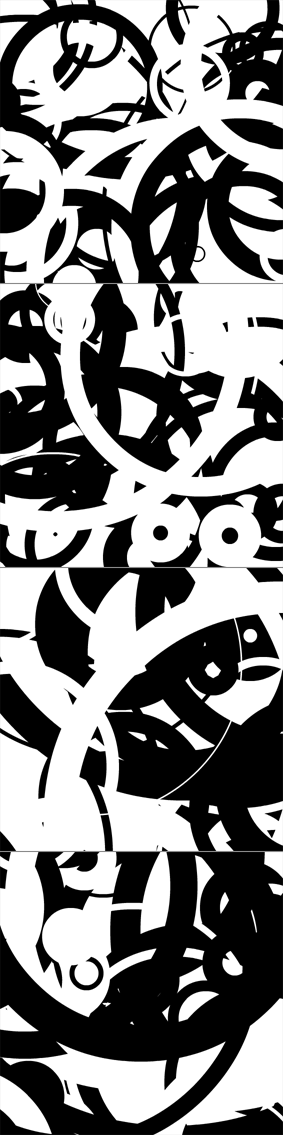
This snippet uses a transformation matrix to zoom in and pan a Sprite instance. For demo purposes I filled the sprite with a few circles – but you’d likely be using this with a vector image of a map, a floor plan or some other graphic that warrants zooming and panning.
Back around flash 7 (I think) before the Matrix class was introduced we used to have to use MovieClip nesting to achieve this effect.