import com.actionsnippet.qbox.*;
import Box2D.Common.Math.*;

[SWF (backgroundColor=0xaa0000, width=700, height=600)]

const TWO_PI:Number = Math.PI * 2;

var sim:QuickBox2D = new QuickBox2D(this,{gravityY:20, debug:false});

var i:int = 0;

// add some circles
var circles:Array = [];
var circleNum:int = 20;
for (i = 0; i<circleNum; i++){
	circles[i] = sim.addCircle({x: 8, y:-2 - i, radius:0.1 + Math.random()*0.4, fillColor:0x000000});
}

// add some boxes
var boxes:Array = [];
var boxNum:int = 20;
for (i= 0; i<boxNum; i++){
	var rx:Number = 4 + (i % 5) * 4;
	var ry:Number =  4 + int(i / 5) * 4;
	var ra:Number = Math.random() * TWO_PI;
	boxes[i] = sim.addBox({x:rx, y:ry, width:3, height:0.4, angle:ra, density:0,fillColor:0xFF2200});
}

// vector(0,0) used to reset velocity
var resetVec:b2Vec2 = new b2Vec2();

sim.start();
sim.mouseDrag();

addEventListener(Event.ENTER_FRAME, onLoop);
function onLoop(evt:Event):void {
	 // rotate all boxes
     for (i= 0; i<boxNum; i++){
		boxes[i].angle += .05;
	 }
	 // move circles to top of sceen after they fall off bottom
	  for (i= 0; i<circleNum; i++){
		if (circles[i].y > 20){
			circles[i].y = -1;
			circles[i].x = Math.random()*(stage.stageWidth / 30 - 9) + 4;
			// access to Box2D b2Body methods
			circles[i].body.SetLinearVelocity(resetVec);
		}
	 }
}
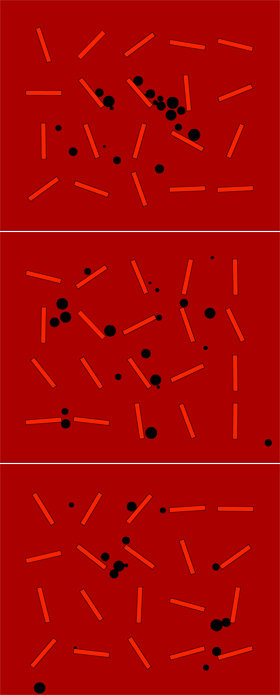
This is another QuickBox2D experiment. If you don’t know what QuickBox2D is … read about it here.
1 comment