[SWF(width = 400, height = 400)];
var canvas:BitmapData = new BitmapData(400,400, false, 0x000000);
var eraser:BitmapData = new BitmapData(400,400, true, 0x11000000);
addChild(new Bitmap(canvas));

var particles:Array = new Array();
for (var i:int = 0; i < 500; i++){
	particles.push(makeParticle());
}

addEventListener(Event.ENTER_FRAME, onLoop);
function onLoop(evt:Event):void {
	canvas.copyPixels(eraser, eraser.rect, new Point(0,0), null, null, true);
	for (var i:int = 0; i < particles.length; i++){
		particles[i]();
	}
}

function makeParticle():Function {
	var dx:Number, dy:Number;
	var x:Number = 200;
	var y:Number = 200;
	var vx:Number = Math.random() * 4 - 2;
	var vy:Number = Math.random() * 4 - 2;
	var ang:Number;
	return function():void {
			  x += vx;
		      y += vy;
		      dx = 200 - x;
		      dy=  200 - y;
			   if (Math.sqrt((dx * dx) + (dy * dy)) > 130){
				ang = Math.atan2(dy, dx) / Math.PI * 180;
				 vx = Math.cos(ang);
				 vy = Math.sin(ang);
			   }
		       canvas.setPixel(x, y, 0xFFFFFF);
	}
}
This is an interesting variation on yesterdays post. The result will looks like this…
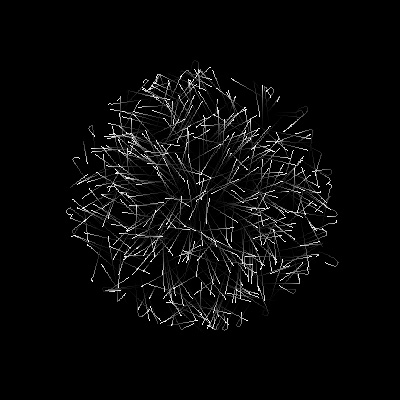
I also decided to do a processing port of this with 3,000 particles:
The processing version eventually evolved into this:
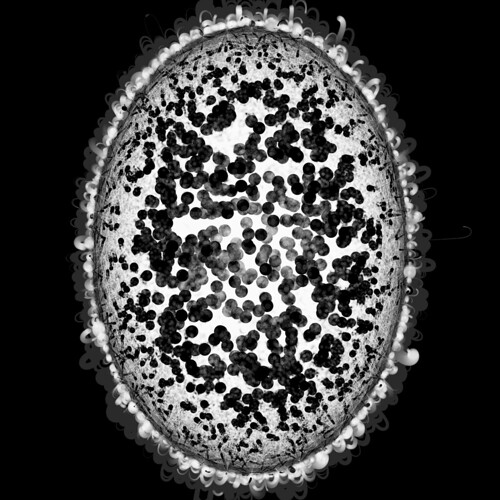
Click for enlarged version…
thanks, i have been wondering for ages how to quickly shift all pixels towards the background colour… copy all the pixels of a transparent bitmap data. love your site.
no problem… glad you like the site 🙂