[SWF(width=900,height=390,backgroundColor=0x000000,frameRate=30)]

var canvas:BitmapData=new BitmapData(4,8,false,0xFFFFFFFF);
var pixNum:int = canvas.width * canvas.height;

var frame:Bitmap = Bitmap(addChild(new Bitmap(canvas)));
frame.scaleX = frame.scaleY = canvas.width * 10;
frame.x = stage.stageWidth / 2 - frame.width / 2;
frame.y =20;

var txt:TextField = TextField(addChild(new TextField()));
txt.autoSize = TextFieldAutoSize.LEFT;
txt.defaultTextFormat = new TextFormat("Verdana", 8, 0xFFFFFF);
txt.x = frame.x - 3;
txt.y = frame.y + frame.height + 10;

var s:String, a:Number = 0, d:Number = 0;
var r:Number = 0xFFFFFFFF / (stage.stageWidth-20) ;

addEventListener(Event.ENTER_FRAME, onLoop);
function onLoop(evt:Event):void {
	 a  += (d - a) / 8;

	 d = (mouseX-10) * r;

	 s = Math.max(0,Math.min(0xFFFFFFFF, a)).toString(2);

	 if (s.length < pixNum){
		while(s.length-1 < pixNum){
			s = "0" + s;
		}
	 }

	 txt.text = s;

	canvas.lock();
	canvas.fillRect(canvas.rect, 0xFFFFFF);
	for (var i:int = 0; i<pixNum; i++){
		if (s.charAt(i) == "0"){
			canvas.setPixel(i % 4,  i / 4, 0x000000);
		}
	}
	canvas.unlock();
}
Similar to yesterdays post… this snippet visualizes binary numbers. Move your mouse left and right to change the value of the number that’s being displayed.
Here are a few stills:
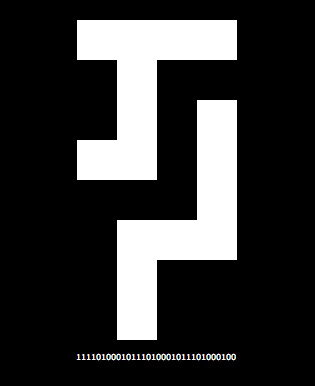
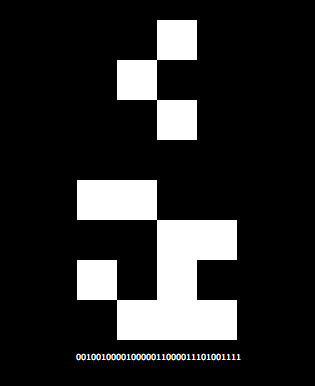
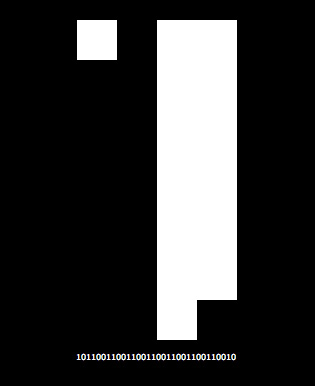
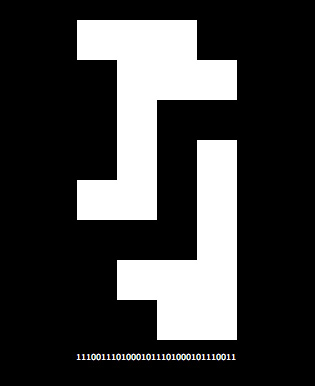
This code uses the mouse position to choose which binary number to display. Going all the way to the left of the screen will set this number to 0 and going all the way to the right will set it to 4294967295… that number may look arbitrary unless you see it in in binary 11111111111111111111111111111111 or in hexadecimal 0xFFFFFFFF.