Browse the notebook

Tag: flash

Hidden Sierpiński

var canvas:BitmapData=new BitmapData(255,255,false,0x000000);
addChild(new Bitmap(canvas, "auto", true));

scaleX = scaleY = 1.5;

addEventListener(Event.ENTER_FRAME, onLoop);
function onLoop(evt:Event):void {
	for (var i:int  = 0; i<canvas.width * canvas.height; i++) {
		var ox:int= i % canvas.width;
		var oy:int= i / canvas.width;
		var col =  (ox | oy) * mouseX % 255;
		canvas.setPixel(ox, oy, col << 16 | col << 8 | col);
	}
}

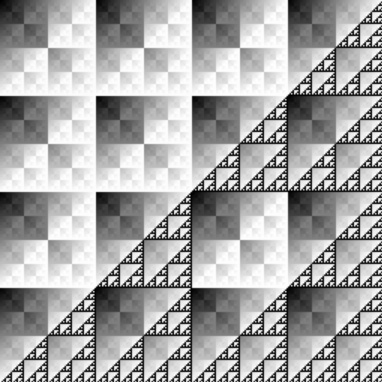
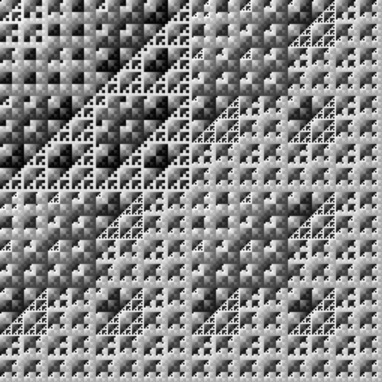
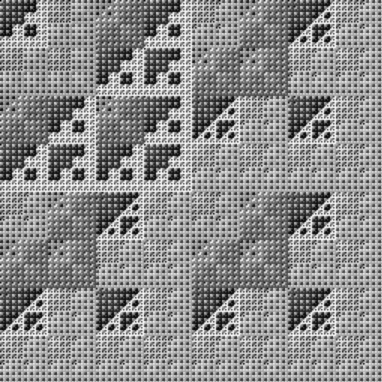
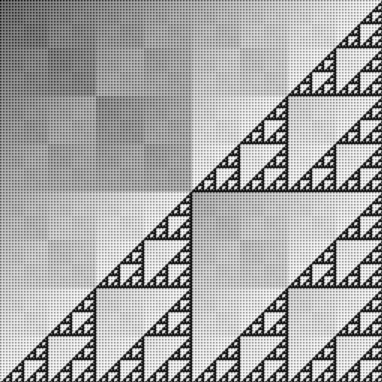
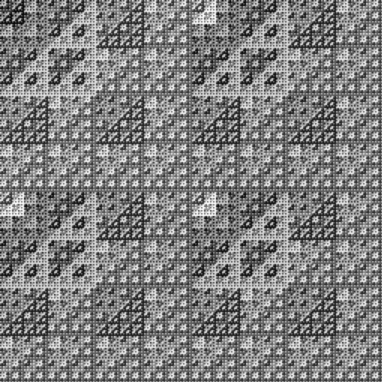
Sometimes when I’m writing a program that does some pixel pushing I’ll save the file and then start arbitrarily adding bitwise operations to it…. just to see what happens. Sierpinski-esque stuff occurs often. This will work in your timeline – move your mouse left and right to generate images like these:
Read snippet: Hidden Sierpiński

Texture cos(atan2())

var col:int, i:int, j:int, s:int = 500, div:Number =20, outcoord:Point = new Point(), points:Vector.<Point> = new Vector.<Point>();
for (i = 0; i<5; i++) points.push(new Point(int(Math.random()*s),int(Math.random()*s)));
var canvas:Bitmap = Bitmap(addChild(new Bitmap(new BitmapData(s,s, false, 0xFF0000), "auto", true)));
for (i  = 0; i<canvas.width * canvas.height; i++){
	outcoord= new Point( i % canvas.width, i / canvas.width);
	col = 0;
	for (j= 0; j<points.length; j++) col += Math.max(0,255 * Math.cos(Math.atan2(outcoord.y - points[j].y, outcoord.x - points[j].x)*outcoord.x/div) );
	col /= points.length;
    canvas.bitmapData.setPixel(outcoord.x, outcoord.y,  col << 16 |  col << 8 |  col);
}

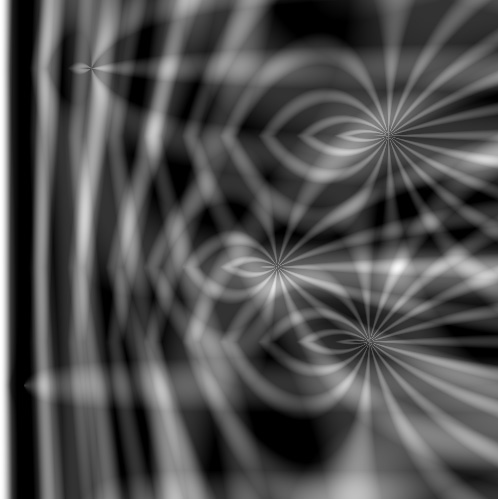
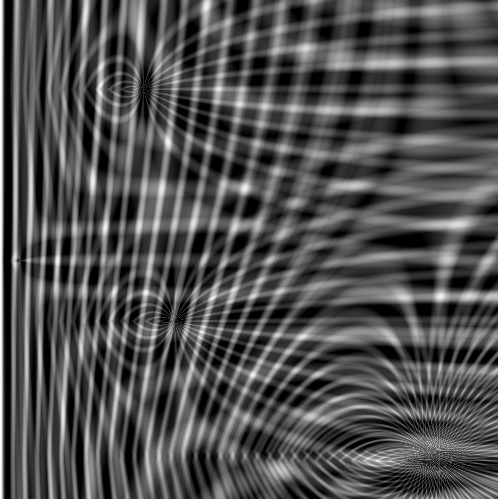
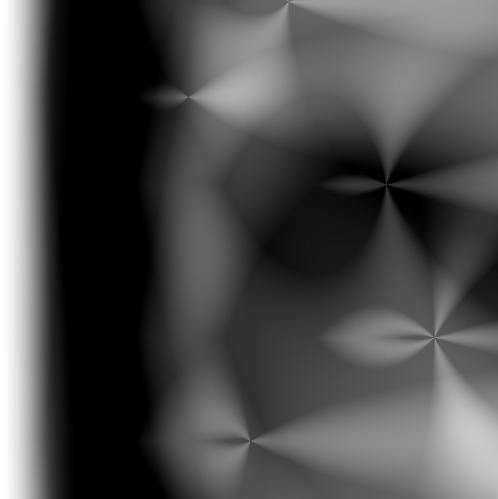
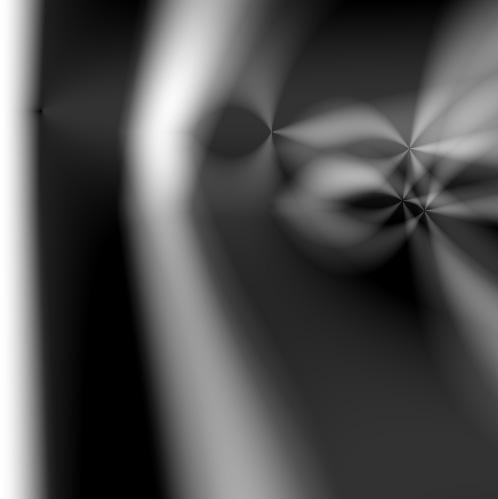
This is inspired by some stuff I’ve been doing with PixelBender. I think I’m going to convert this to processing to see how fast I can get it to run… will post that over at shapevent. People have been asking me to post swfs…. and I plan on starting to that a little bit… but since this one doesn’t animate, here are a few jpgs:

Read snippet: Texture cos(atan2())

25 Lines Contest

for (var i:int = 1; i<26; i++) with(addChild(new TextField())) x = 10, y = i * 10, text = "line" + i;

code will create 25 TextFields that say “line1”, “line2”, “line3” etc…

If you don’t already know, Keith Peters has started up the 25 line actionscript contest again… The first round of results are in and you can view the 12 finalists swfs and code here.

I was particularly impressed with this one …by Cay Garrido… when I looked at it I really couldn’t figure out how that kind of seemingly complex flocking could be done with 25 lines. You can see the code here.

Inspired by the entries, Peters created a strange attractor in 6 lines.

I can’t wait to see next months entries.

Read snippet: 25 Lines Contest

Yahoo Weather RSS

var temp:Number;
var weatherData:XML;
var yweather:Namespace;

var zipcode:String="11211";
var units:String = "f";  // "f" or "c" for Fahrenheit or Celsius

var yahooURL:String = "http://weather.yahooapis.com/forecastrss?p=" + zipcode + "&u=" + units;

var yahooWeather:URLLoader = new URLLoader();

yahooWeather.load(new URLRequest(yahooURL));
yahooWeather.addEventListener(Event.COMPLETE, onLoaded);

function onLoaded(evt:Event):void {

	weatherData=new XML(evt.target.data);
	yweather = weatherData.namespace("yweather");
	
    temp = weatherData.channel.item.yweather::condition.@temp;
	 
	trace(temp);
}

This snippet comes from a student question about how to get the temperature from yahoo weather.

You could use this snippet to get lots of additional information based on a zipcode… like latitude, longitude, humidity, wind chill etc… The trickiest part of this code is the Namespace stuff… which I find generally annoying… probably just because I’m not used to it.

You can read some detailed info about the content contained in the RSS file here.

Read snippet: Yahoo Weather RSS

2D Vector

var map:Vector.<Vector.<int>> = new Vector.<Vector.<int>>();
map[0] = new Vector.<int>();
map[0].push(1);
map[0].push(0);
map[0].push(0);

map[1] = new Vector.<int>();
map[1].push(0);
map[1].push(1);
map[1].push(0);

map[2] = new Vector.<int>();
map[2].push(0);
map[2].push(0);
map[2].push(1);

/*
map:
1,0,0
0,1,0
0,0,1
*/

This creates a two dimensional Vector of ints (flash 10 player only). The first line is the real snippet… took me a few minutes to get the syntax right the first time I needed a 2D Vector.

Read snippet: 2D Vector

Draw Spiral

stage.frameRate = 30;
var xp:Number = 0;
var yp:Number = 0;
var counter:Number = 0;
graphics.lineStyle(0,0x999999);
graphics.moveTo(200,200);
addEventListener(Event.ENTER_FRAME, onLoop);
function onLoop(evt:Event):void {
	for (var i:int = 0; i < 20; i++) {
		counter += .05;
		xp=200 + counter * Math.cos(counter);
		yp=200 + counter * Math.sin(counter);
		graphics.lineTo(xp, yp);
	}
	if (counter > 400) {
		removeEventListener(Event.ENTER_FRAME, onLoop);
	}
}

Draws a spiral over time.

Read snippet: Draw Spiral

Object.prototype Crap

Object.prototype.myVar = "I am a variable";

var s:Sprite = new Sprite();
 
trace(Object(s).myVar);

var v:Video = new Video();
trace(Object(v).myVar);

This…. should not be done… and setting myVar like this:

Object(s).myVar = "hello";

Will cause an error….

I keep a folder on my laptop for this website….. when I have a random snippet idea I put it in this folder…. Every couple of weeks I go through this folder and turn select snippets into posts…. when I rediscovered this snippet today it really made me laugh….

Read snippet: Object.prototype Crap

Random Walk

var xp:Number=Math.random() * stage.stageWidth;
var yp:Number=Math.random() * stage.stageHeight;
graphics.lineStyle(0,0x000000);
graphics.moveTo(xp, yp);
addEventListener(Event.ENTER_FRAME, onLoop);
function onLoop(evt:Event):void {
	xp+=Math.random()*10-5;
	yp+=Math.random()*10-5;
	graphics.lineTo(xp, yp);
}

Nothing special here, but its good to know that this technique has a name… and that it’s NOT Brownian Motion… more here.

Read snippet: Random Walk

Format Phone #

var phoneField:TextField = new TextField();
with (phoneField) {
	type=TextFieldType.INPUT;
	maxChars=12;
	restrict="0-9";
	border=true;
	width=100;
	height=20;
	x=y=20;
}
addChild(phoneField);

phoneField.addEventListener(TextEvent.TEXT_INPUT, onInput);

function onInput(evt:TextEvent):void {
	if (phoneField.length==3 || phoneField.length==7) {
		phoneField.appendText("-");
		var leng:int=phoneField.text.length;
		phoneField.setSelection(leng, leng);
	}
}

Quick way to make sure text input is formatted like a phone number.

Read snippet: Format Phone #