Usually if you want to draw lines in HTML you use canvas or SVG. Awhile back I wondered how I might do it without those. This is really just a proof of concept speed coded answer to that question:
This works by using a div with a border, rotating it and scaling it as needed so it fits between two arbitrary points.
This could be abstracted a bit more, but it works pretty well. I usually choose `setInterval` over `requestAnimationFrame` when prototyping – because I like to easily be able to change the speed of
framebased things like this. If I were to try and make this code more dynamic, I would probably switch out to `requestAnimationFrame`.
If you try and connect two lines together – you’ll notice some inaccuracy – a good argument for using SVG or canvas over something like this. That said, if you are connecting two elements using a single line, this inaccuracy would become irrelevant.
Choose two colors to breed them and create 5 new colors:
This is a speed coded pen from awhile back – the features object is interesting – it allows two objects to be bred together. In this case two colors. I could see this is as part of some advanced/abstract colorpicker that allows the user to home in on a color.
Many years ago when I had just started programming I found this absolute gem by Andries Odendaal.
modern es6 version
let rotX = 0, rotY = 0,
    perspective = 500,
    depth,
    currX, currY;
// learned something like this at Andries Odendaal's www.wireframe.co.za
function point3d(x, y, z) {
    let cosX = Math.cos(rotX),
        cosY = Math.cos(rotY),
        sinX = Math.sin(rotX),
        sinY = Math.sin(rotY),
        posX, posY, posZ;

    posZ = z * cosX - x * sinX,
    posX = z * sinX + x * cosX,
    posY = y * cosY - posZ * sinY,
    posZ = y * sinY + posZ * cosY;

    depth = 1 / (posZ / perspective + 1);
    currX = posX * depth;
    currY = posY * depth;

    return [ currX, currY, depth ];
}
Here’s is an example of it in action:
I’ve used this code many many times, it’s just easy to throw into any language and instantly get 3d points rendered in 2d. Here is a short video of a Java applet from 2003 called “Catch Env” that made use of it:
You’ll notice in that source, that I nested the equation to allow for local and global transformations. It was around that time that I learned the ins and outs of real 2D and 3D matrix transformation math… Ken Perlin’s classfiles from NYU were a real help when I was learning that stuff. I don’t think this was the exact file I was working with, but it was definitely on his site somewhere.
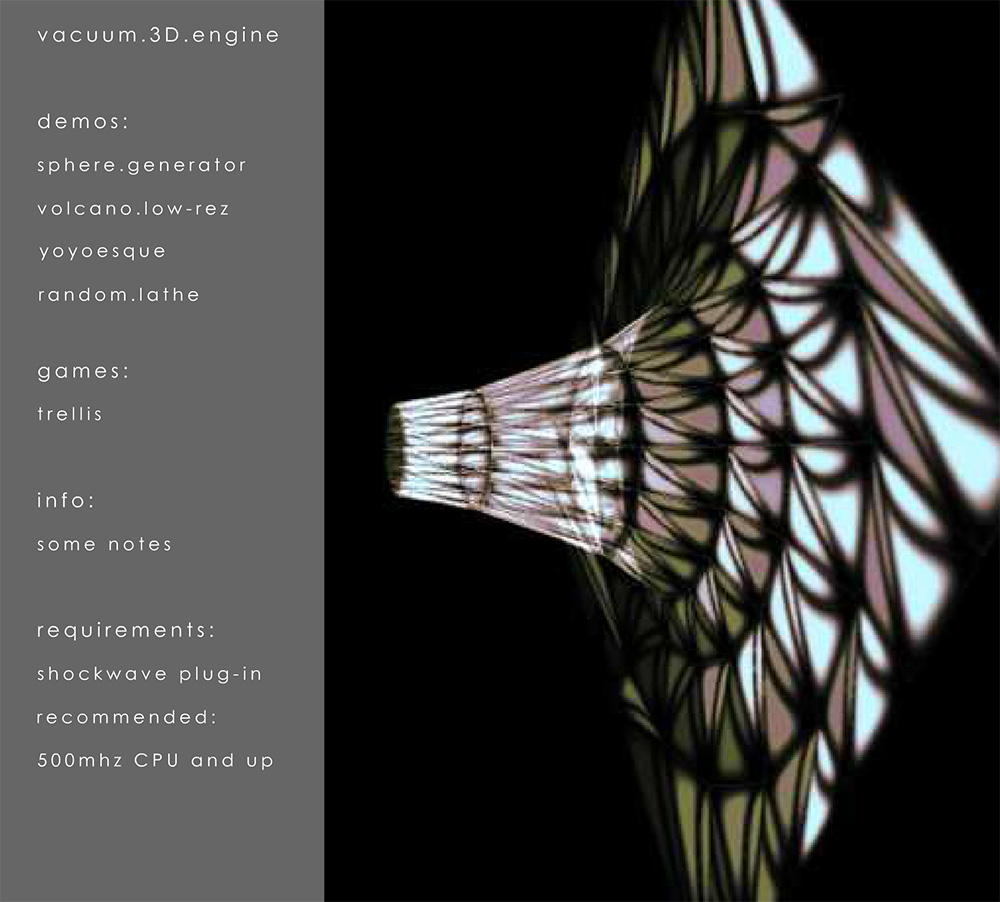
Before all that, during my junior year in college I created a 3d engine based off Odendaal’s code in Director (Lingo). Here is a video of some of the demos for it:
…and here is a strange screenshot from my personal website at the time:
Just an example of a powerful snippet and a gateway to learning matrix transformation math. When I first really dug in to html5 canvas – before WebGL was supported so widely – having this trick up my sleeve was great. As you can see in the below link, I used it more than a few times back then:
This is not the most useful thing in the world – was just an idea I had awhile back… First off, I love Emmet (formerly zen-coding) created by Sergey Chikuyonok. I especially like it for quickly writing html or jsx.
While I don’t use them that often, I really enjoy Jade and Pug. Anyway, I realized you could do similar things with Emmet with just a few little tweaks… So created this codepen:
As you can see – with a few regular expressions you can use Emmet _sort of_ like Jade. Definitely just an experiment, but interesting nevertheless.
If you haven’t tried the html5 canvas tag yet, I suggest you give it a try. It falls under the same category as ActionScript’s Graphics and BitmapData classes. It is however much much simpler. One great thing about it is it runs really fast on IOS5. Have a look at some of these demos to see what I mean: http://zreference.com/projects/graphics/
A few days ago I recorded this short video tutorial… it’s very simple, but it will get you started if you’ve never tried canvas before: