Still speed-coding shorts for youtube these last few months… – move your mouse over the codepen below – click and hold to zoom out 😀
Blobby WebGL
Read snippet: Blobby WebGL
Browse the notebook
Still speed-coding shorts for youtube these last few months… – move your mouse over the codepen below – click and hold to zoom out 😀
Been speed coding some new stuff and showcasing some old stuff as shorts on youtube – here is a recent one:
Check out the rest here: https://www.youtube.com/@shapevent/shorts
I started making youtube shorts using a monaco-powered micro-editor I created called https://zapp.codes. Check them out here: https://www.youtube.com/@shapevent/shorts
I don’t think I ever mentioned https://snippet.zone here. It’s just another actionsnippet-like site I created a few years ago… I don’t update it all that frequently but it has many snippets mostly written in js.
recent fork of a snippet.zone that I used in a short…
Here’s a short showing something I did for genuary 2022…
I spent awhile a few months ago learning about Pathtracers… After I good deal of research I ended up forking Evan Wallace’s Path Tracer and added a few new features and shapes – some of which I learned from Erich Loftis’s Three.js PathTracing Renderer.
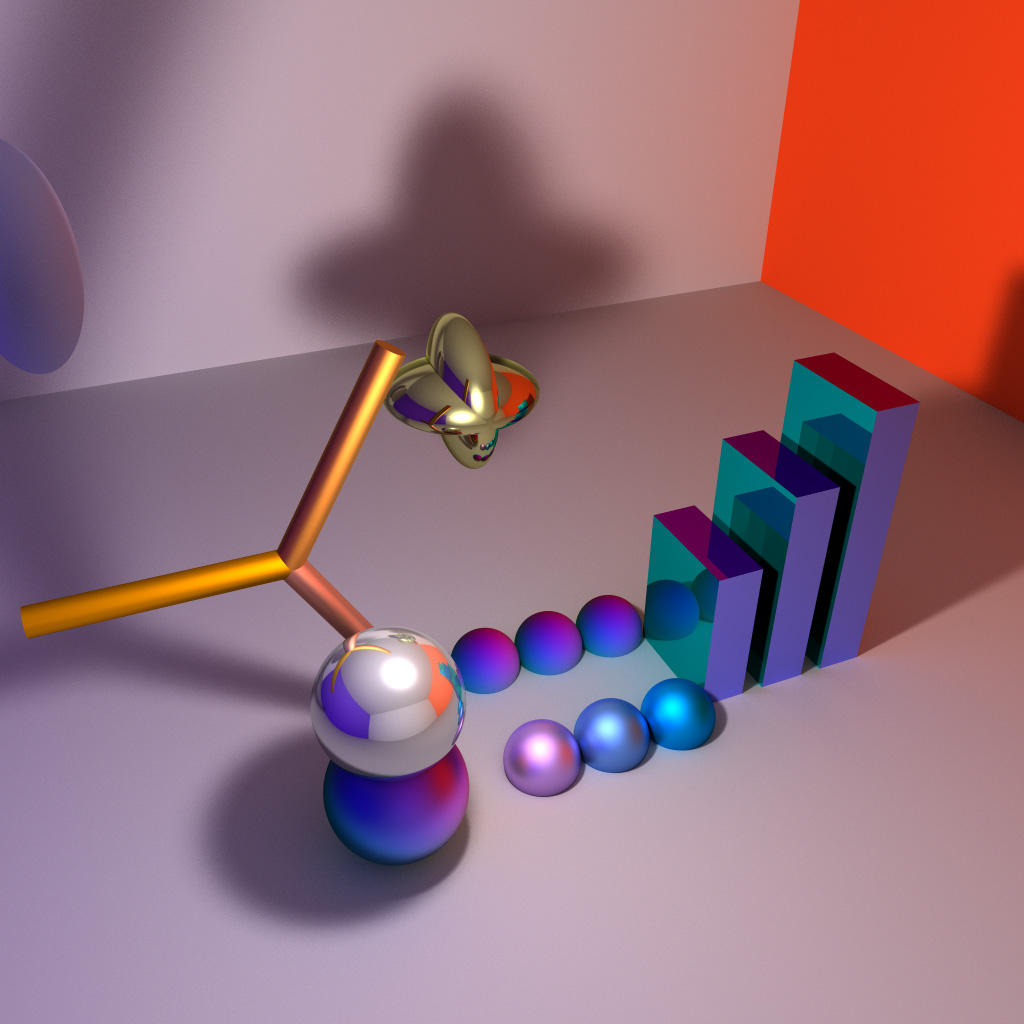
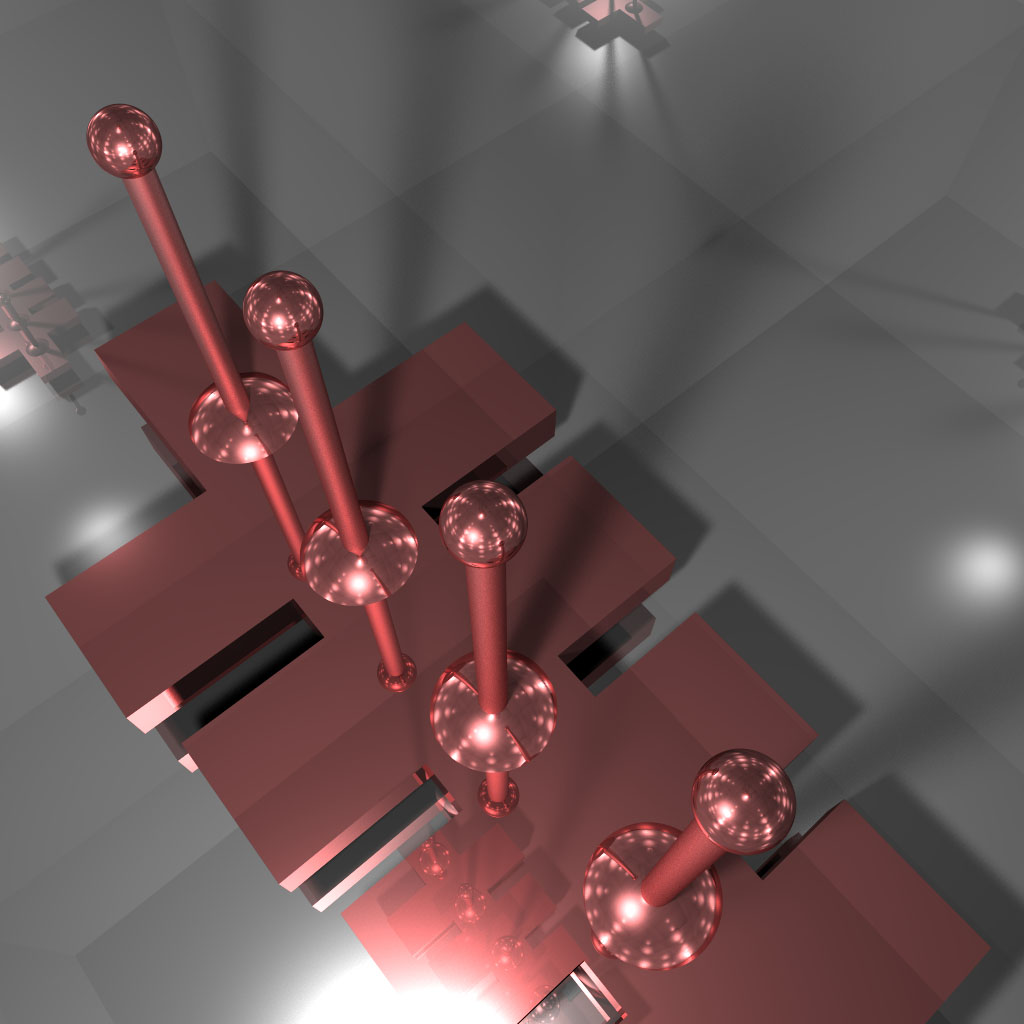
Been wanting to get back to this and do optimizations and boolean shapes – but so far I haven’t gotten around to it.
I have a set of ~100 pictograms that I use for personal notation. When I was actively working on Zeta. I created a few of these with equations:
You can read more about Zeta in this post.
I spam my facebook with images from my sketchbooks if you’re at all interested in seeing more pictograms:

In 2015 I created QuickShader… which just takes the boilerplate out of showing a shader in the browser. Here are a few examples:
Being able to draw smooth lines that connect arbitrary points is something that I find myself needing very frequently. This is a port of an old snippet that does just that. By averaging control points of a quadratic bezier curve we ensure that our resulting Bezier curves are always smooth.
The key can be seen here with the `bezierSkin` function. It draws either a closed or open curve.
// array of xy coords, closed boolean
function bezierSkin(bez, closed = true) {
  var avg = calcAvgs(bez),
      leng = bez.length,
      i, n;

  if (closed) {
    c.moveTo(avg[0], avg[1]);
    for (i = 2; i < leng; i += 2) {
      n = i + 1;
      c.quadraticCurveTo(bez[i], bez[n], avg[i], avg[n]);
    }
    c.quadraticCurveTo(bez[0], bez[1], avg[0], avg[1]);
  } else {
    c.moveTo(bez[0], bez[1]);
    c.lineTo(avg[0], avg[1]);
    for (i = 2; i < leng - 2; i += 2) {
      n = i + 1;
      c.quadraticCurveTo(bez[i], bez[n], avg[i], avg[n]);
    }
    c.lineTo(bez[leng - 2], bez[leng - 1]);
  }
}


// create anchor points by averaging the control points
function calcAvgs(p) {
  var avg = [],
      leng = p.length, prev;
  for (var i = 2; i < leng; i++) {
    prev = i - 2;
    avg.push((p[prev] + p[i]) / 2);
  }
  // close
  avg.push((p[0] + p[leng - 2]) / 2);
  avg.push((p[1] + p[leng - 1]) / 2);
  return avg;
}
The control points are then averaged to ensure that the curve contains no sharp angles.
Awhile back I thought it would be interesting to add some quick fake lighting to a personal project of mine – that for lack of a better description is a windows management system.
Here is a screenshot of the windows management system with lighting turned on:
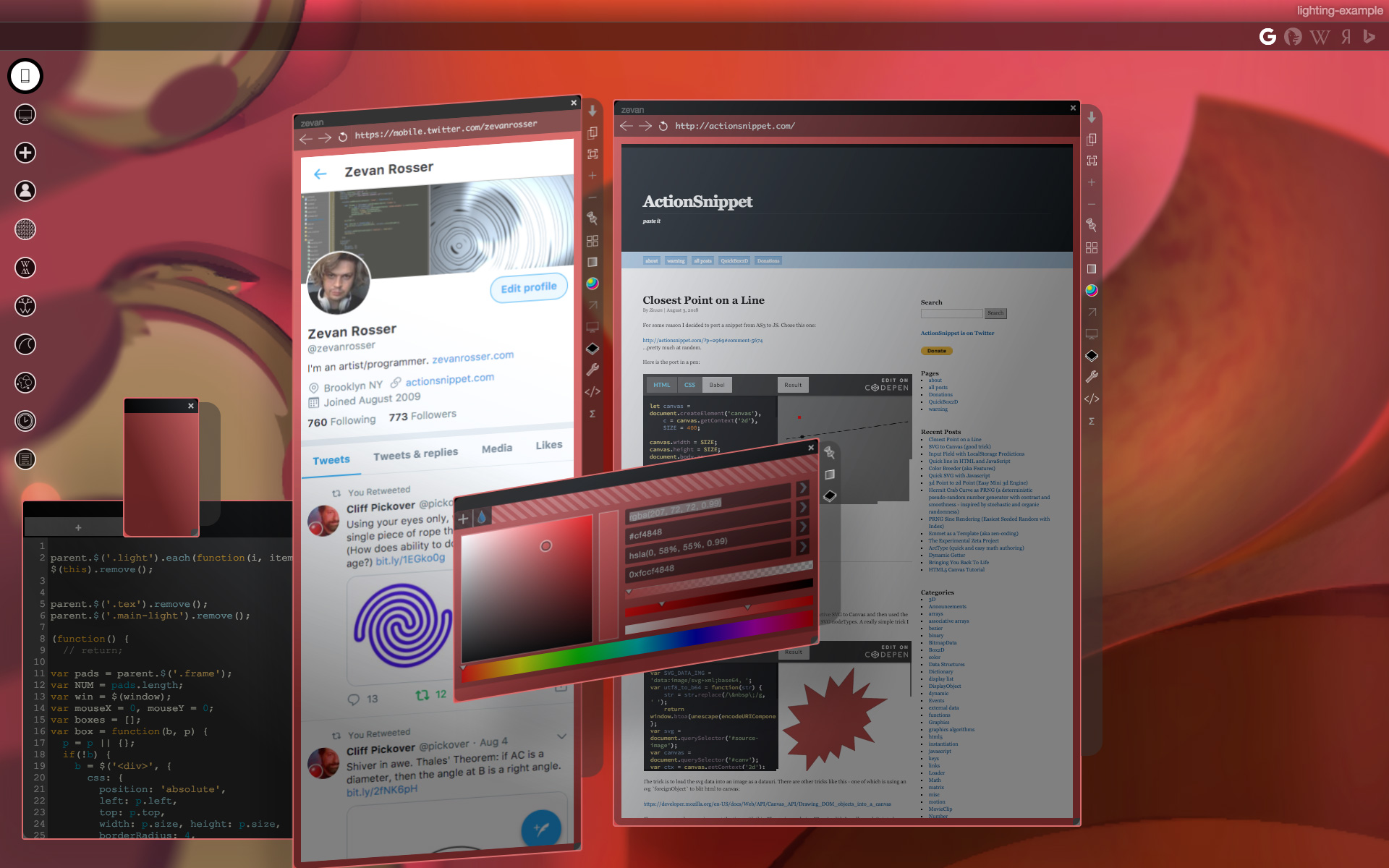
Here is a video of me using the system:
I whipped up this prototype (don’t mind the jQuery)
There are really two keys that make this work. Getting the shadow in place and adjusting the gradient. All we really need is the angle and distance from a given `div` in relation to the “light”:
let calcAng = function(x, y) {
  let lightPos = light.position()
  let dx = lightPos.left - x;
  let dy = lightPos.top - y;
  return -Math.atan2(dy, dx) / Math.PI  * 180;
};

let calcDist = function(x, y) {
  let lightPos = light.position()
  let dx = lightPos.left - x;
  let dy = lightPos.top - y;
  return Math.sqrt(dx * dx,  dy * dy);
};
Standard `atan2` and the pythagorean theorem get us this. Once we have those – we can use them to set our gradient and shadow values:
// warning (apparently this function is slightly speed coded)
let calcShade = function(x, y) {
  let angle = calcAng(x, y);
  let dist =  calcDist(x, y);
  let sx = dist * Math.cos(-angle * Math.PI / 180) * -1;
  let sy = dist * Math.sin(-angle * Math.PI / 180) * -1;

  sx = Math.min(20, Math.max(sx, -20));
  sy = Math.min(20, Math.max(sy, -20));
  let blur = Math.min(100, dist);
  let hBlur = Math.min(50, blur) * 0.5;
  // consider distance in the eq?
  return {
    bg: `-webkit-linear-gradient(${angle}deg, rgba(0, 0, 0, 0.2), rgba(255, 255, 255, 0.4) ${blur}%)`,
    shadow: `${sx}px ${sy}px ${hBlur}px rgba(0, 0, 0, 0.15)`
  };
};
There are more videos of the windows management system on my youtube channel. Here’s another from a much earlier version of the system.
Maybe I’ll post more about that in the future…
Many years ago when I had just started programming I found this absolute gem by Andries Odendaal.
modern es6 version
let rotX = 0, rotY = 0,
    perspective = 500,
    depth,
    currX, currY;
// learned something like this at Andries Odendaal's www.wireframe.co.za
function point3d(x, y, z) {
    let cosX = Math.cos(rotX),
        cosY = Math.cos(rotY),
        sinX = Math.sin(rotX),
        sinY = Math.sin(rotY),
        posX, posY, posZ;

    posZ = z * cosX - x * sinX,
    posX = z * sinX + x * cosX,
    posY = y * cosY - posZ * sinY,
    posZ = y * sinY + posZ * cosY;

    depth = 1 / (posZ / perspective + 1);
    currX = posX * depth;
    currY = posY * depth;

    return [ currX, currY, depth ];
}
Here’s is an example of it in action:
I’ve used this code many many times, it’s just easy to throw into any language and instantly get 3d points rendered in 2d. Here is a short video of a Java applet from 2003 called “Catch Env” that made use of it:
Here is the source code for that ^^
http://www.zevanrosser.com/shape2/j/Catchenv.java
You’ll notice in that source, that I nested the equation to allow for local and global transformations. It was around that time that I learned the ins and outs of real 2D and 3D matrix transformation math… Ken Perlin’s classfiles from NYU were a real help when I was learning that stuff. I don’t think this was the exact file I was working with, but it was definitely on his site somewhere.
Before all that, during my junior year in college I created a 3d engine based off Odendaal’s code in Director (Lingo). Here is a video of some of the demos for it:
…and here is a strange screenshot from my personal website at the time:
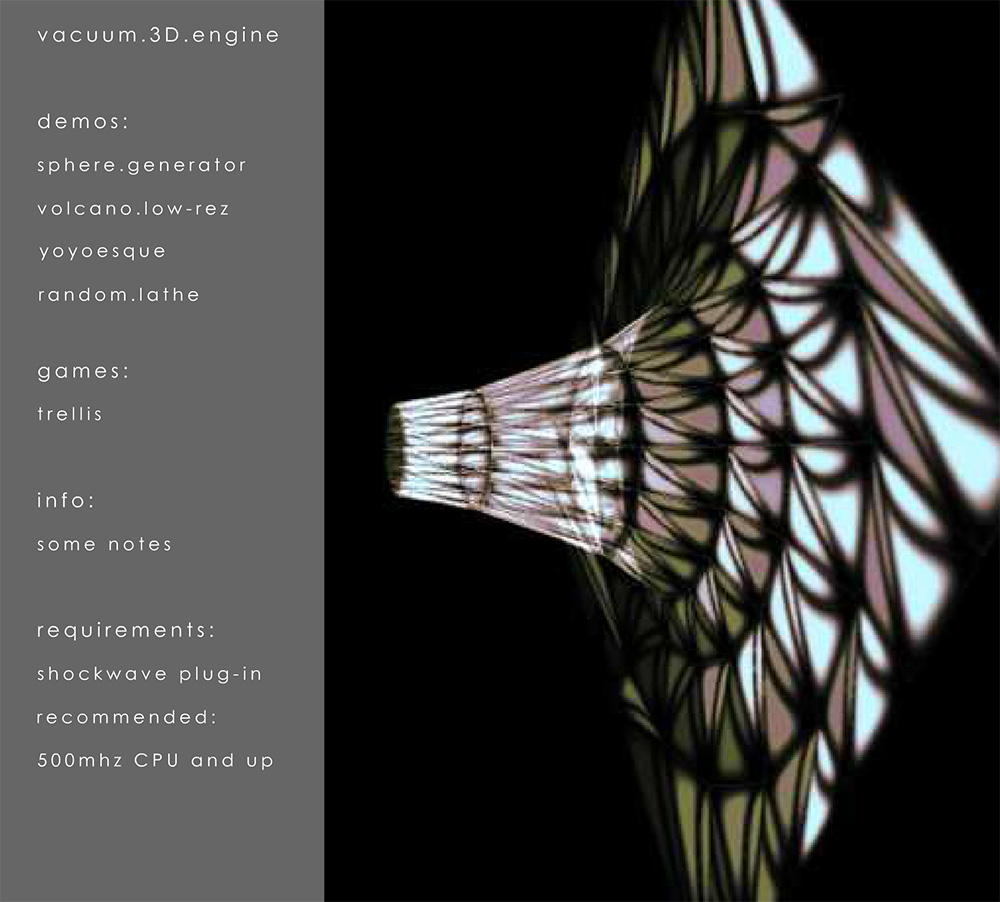
Just an example of a powerful snippet and a gateway to learning matrix transformation math. When I first really dug in to html5 canvas – before WebGL was supported so widely – having this trick up my sleeve was great. As you can see in the below link, I used it more than a few times back then:
Daily canvas experiments:
http://zreference.com/projects/all-graphics.php
😀
Around 2015 I had the idea for a PRNG that would clamp itself and have moments of “smoothness”. When I got around to trying to create such a thing, the result was something I jokingly called the “Hermit Crab Curve”. I also called it the “Shard Curve”.
The equation for the curve defines a radius in polar coordinates:
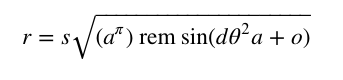
Where a and d are paramters that control the detail of the curve. o is a rotation and offset value for the angle and s is a scalar. Note the use of rem. The resulting curve is much less interesting if a standard modulo is used in place of a remainder:
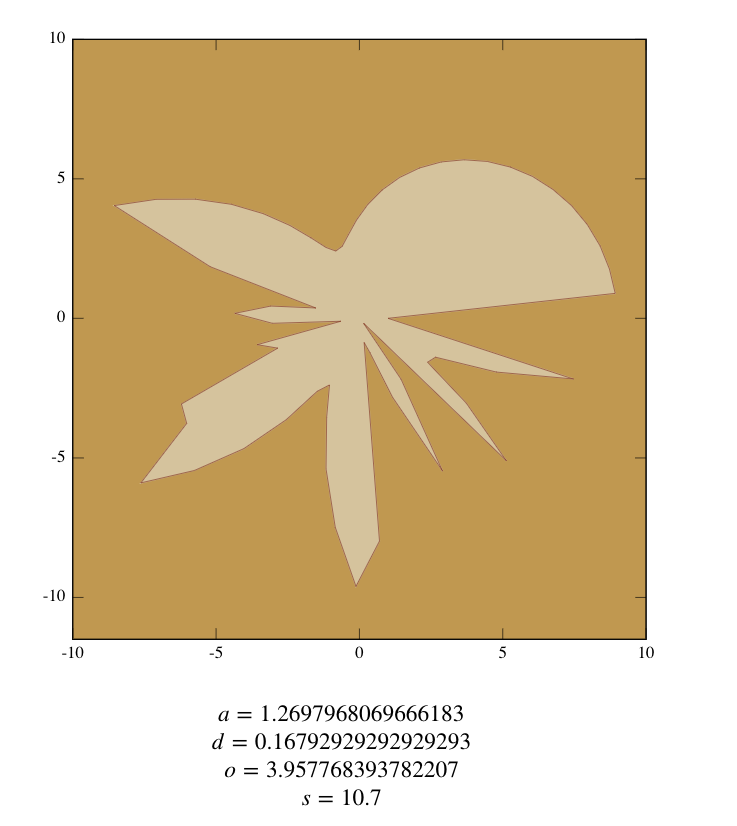
The above variable values were found using this interactive version of the equation:
To illustrate how you might use this as a PRNG I created this fork of the above pen:
That, in combination with the information from my other article from yesterday… Should be enough to see what I mean.
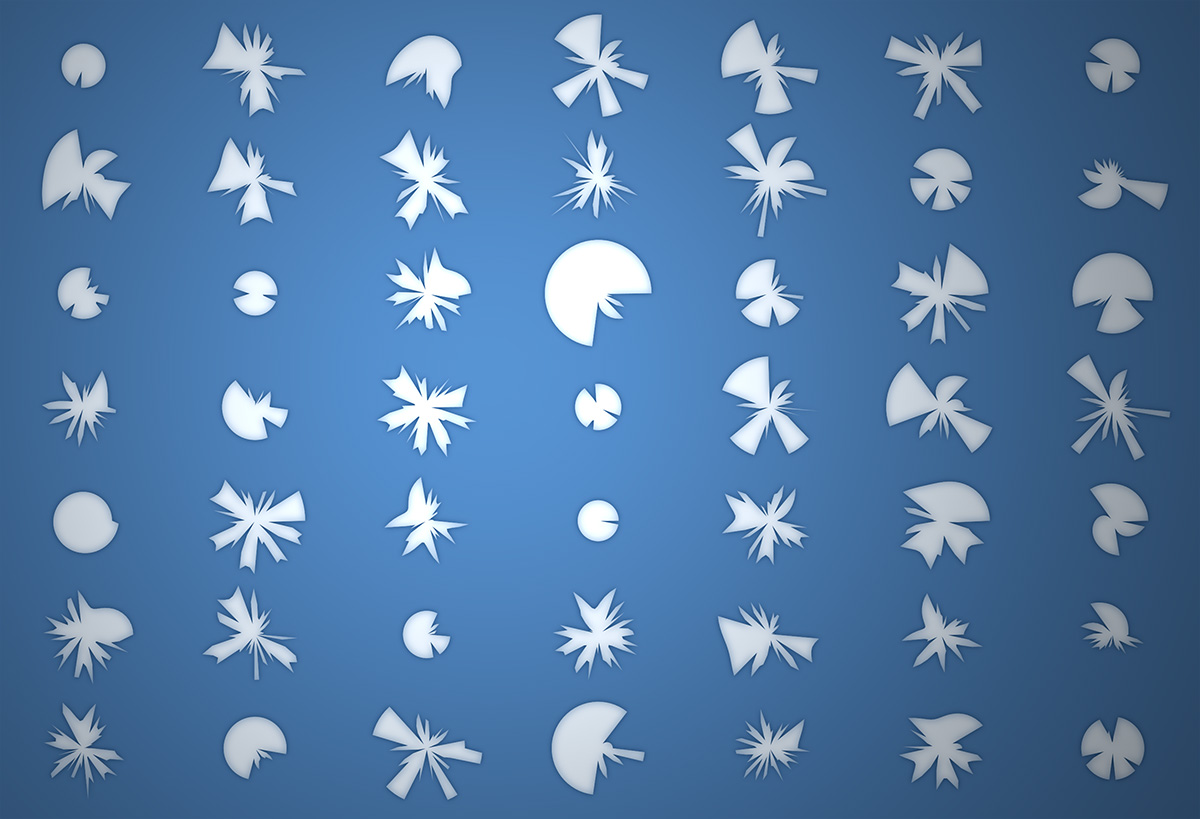
You can read the original description of the Hermit Crab Curve that I created using ArcType here:
http://zevanrosser.com/arctype-dev/hermit-crab-curve.html
If you end up using this for something interesting let me know. I’d love to see it 😀