Still speed-coding shorts for youtube these last few months… – move your mouse over the codepen below – click and hold to zoom out 😀
Blobby WebGL
Read snippet: Blobby WebGL
Browse the notebook
Still speed-coding shorts for youtube these last few months… – move your mouse over the codepen below – click and hold to zoom out 😀
Been speed coding some new stuff and showcasing some old stuff as shorts on youtube – here is a recent one:
Check out the rest here: https://www.youtube.com/@shapevent/shorts
I started making youtube shorts using a monaco-powered micro-editor I created called https://zapp.codes. Check them out here: https://www.youtube.com/@shapevent/shorts
I don’t think I ever mentioned https://snippet.zone here. It’s just another actionsnippet-like site I created a few years ago… I don’t update it all that frequently but it has many snippets mostly written in js.
recent fork of a snippet.zone that I used in a short…
Here’s a short showing something I did for genuary 2022…
I spent awhile a few months ago learning about Pathtracers… After I good deal of research I ended up forking Evan Wallace’s Path Tracer and added a few new features and shapes – some of which I learned from Erich Loftis’s Three.js PathTracing Renderer.
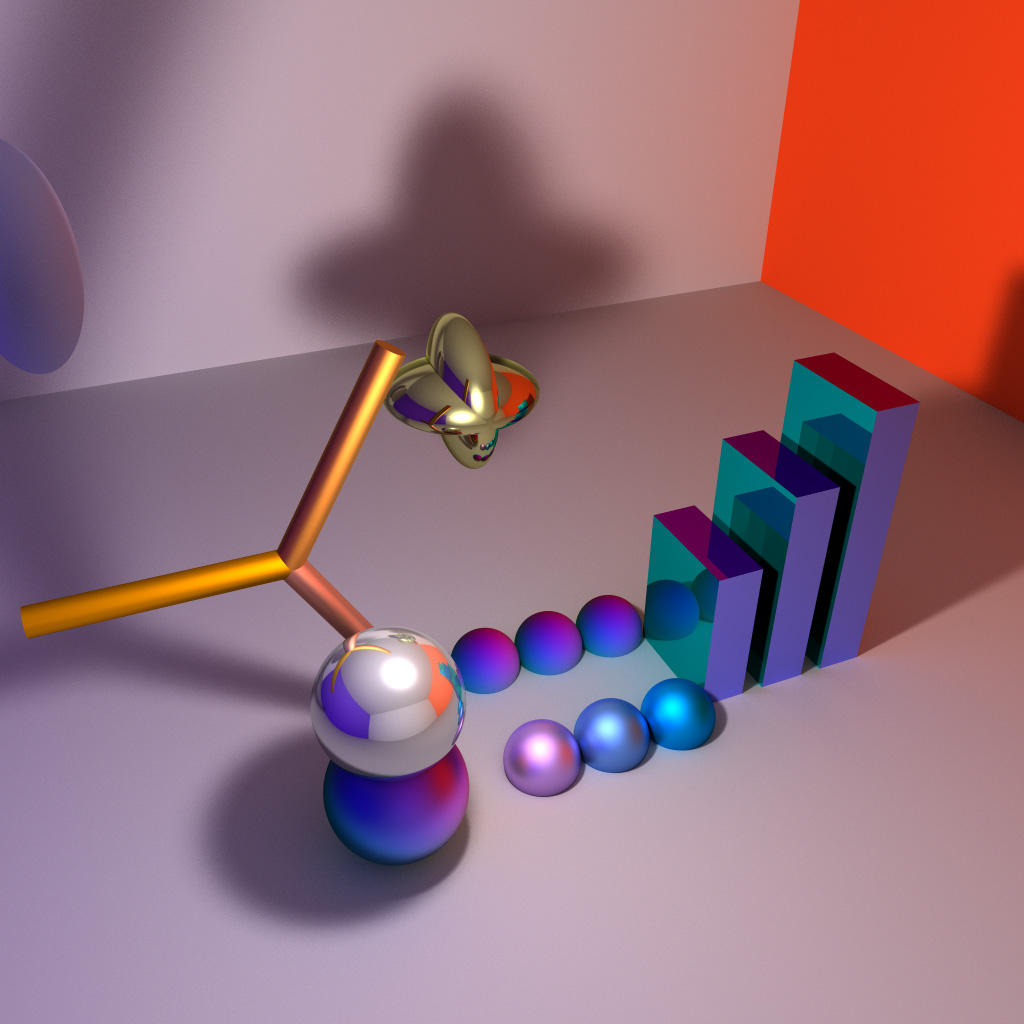
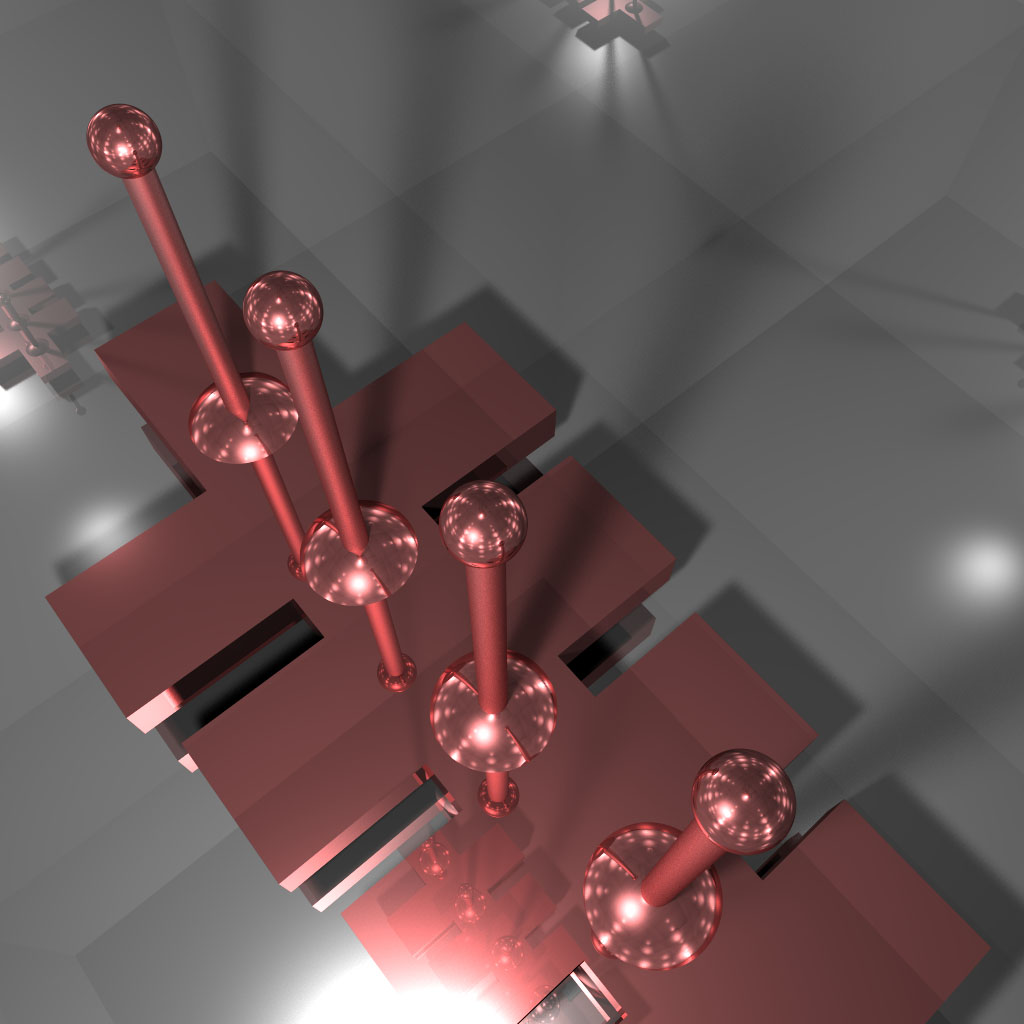
Been wanting to get back to this and do optimizations and boolean shapes – but so far I haven’t gotten around to it.
This uses a proxy to make sure all keys/props of an object are always defined.
let spec = {
  get: (o, key) => {
    return o[key] != null ? o[key] : o[key] = O();
  },
  set: (o, key, v) => {
    o[key] = v;
  }
};

let O = () => {
  return new Proxy({}, spec);
};

let dynamic = O();
dynamic.prop.creation = 'is interesting';
dynamic.prop.stuff.not.clear.what.this.could.be.used.for = 123;

// log out full structure
let f = (o) => {
  for (let i in o) {
    console.log(o[i]);
    if (typeof o[i] === 'object') f(o[i]);
  }
};
f(dynamic);
Outputs:
Proxy {creation: "is interesting", stuff: Proxy}
is interesting
Proxy {not: Proxy}
Proxy {clear: Proxy}
Proxy {what: Proxy}
Proxy {this: Proxy}
Proxy {could: Proxy}
Proxy {be: Proxy}
Proxy {used: Proxy}
Proxy {for: 123}
123
let a = [1], b = [2], c = [3],
    d = [...a, ...b, ...c];
console.log(d);
// outputs: [1, 2, 3]
I have a set of ~100 pictograms that I use for personal notation. When I was actively working on Zeta. I created a few of these with equations:
You can read more about Zeta in this post.
I spam my facebook with images from my sketchbooks if you’re at all interested in seeing more pictograms:

Creating a dictionary type object with ES6 Symbols is easy. Yes we have Maps and WeakMaps but this is still interesting for a variety of reasons… Being able to use objects as keys in another object (dictionary) has many great uses…. So how do you use Symbols like this?
let a = { id: Symbol('key') },
    b = { id: Symbol('key') };

let dictionary = {
  [a.id]: 'value by obj a',
  [b.id]: 'value by obj b'
};

console.log(dictionary[a.id]);
console.log(dictionary[b.id]);

// outputs:
// 'value by obj a'
// 'value by obj b'
By using either object a or object b’s `id` symbol, our dictionary points to another value. This old AS3 snippet is similar:
In 2015 I created QuickShader… which just takes the boilerplate out of showing a shader in the browser. Here are a few examples:
Being able to draw smooth lines that connect arbitrary points is something that I find myself needing very frequently. This is a port of an old snippet that does just that. By averaging control points of a quadratic bezier curve we ensure that our resulting Bezier curves are always smooth.
The key can be seen here with the `bezierSkin` function. It draws either a closed or open curve.
// array of xy coords, closed boolean
function bezierSkin(bez, closed = true) {
  var avg = calcAvgs(bez),
      leng = bez.length,
      i, n;

  if (closed) {
    c.moveTo(avg[0], avg[1]);
    for (i = 2; i < leng; i += 2) {
      n = i + 1;
      c.quadraticCurveTo(bez[i], bez[n], avg[i], avg[n]);
    }
    c.quadraticCurveTo(bez[0], bez[1], avg[0], avg[1]);
  } else {
    c.moveTo(bez[0], bez[1]);
    c.lineTo(avg[0], avg[1]);
    for (i = 2; i < leng - 2; i += 2) {
      n = i + 1;
      c.quadraticCurveTo(bez[i], bez[n], avg[i], avg[n]);
    }
    c.lineTo(bez[leng - 2], bez[leng - 1]);
  }
}


// create anchor points by averaging the control points
function calcAvgs(p) {
  var avg = [],
      leng = p.length, prev;
  for (var i = 2; i < leng; i++) {
    prev = i - 2;
    avg.push((p[prev] + p[i]) / 2);
  }
  // close
  avg.push((p[0] + p[leng - 2]) / 2);
  avg.push((p[1] + p[leng - 1]) / 2);
  return avg;
}
The control points are then averaged to ensure that the curve contains no sharp angles.